
 Worried about falls?
Nomo Tags can be set up as Fall Detection pendants, equipped with an emergency button. Nomo can also detect falls automatically.


The Nomo Smart Care system uses discreet sensors and AI to monitor daily routines and alert you to unusual activity. No cameras. Optional wearable. Just peace of mind.

Essential Care Kit
 Automatic fall detection
 24/7 emergency services
 No cameras, 100% privacy
 Proactive real-life insights
HOW NOMO CAN HELP
The Bedroom Satellite sees her morning start. The Nomo app tells you that her wake time is trending earlier this week.
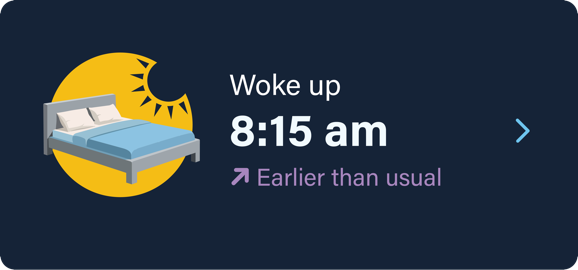
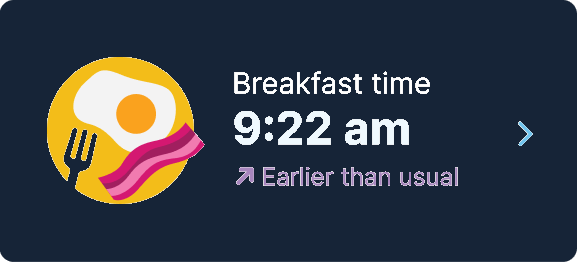
The Tag on her refrigerator moves; breakfast is earlier than usual. Nomo gives insight into her normal routines.
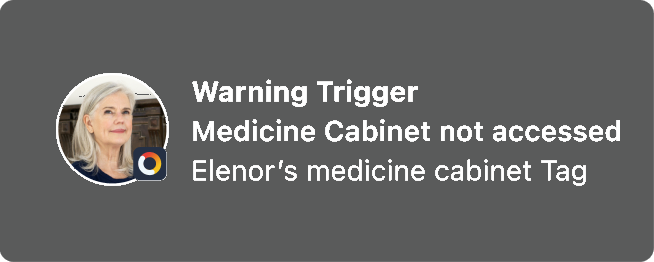
The medicine cabinet Tag shows it was accessed. If not, an alert can be sent to the Care Circle.
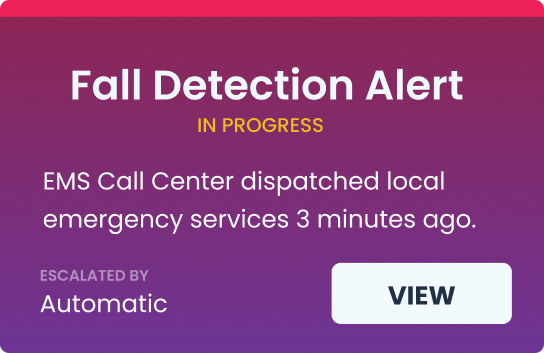
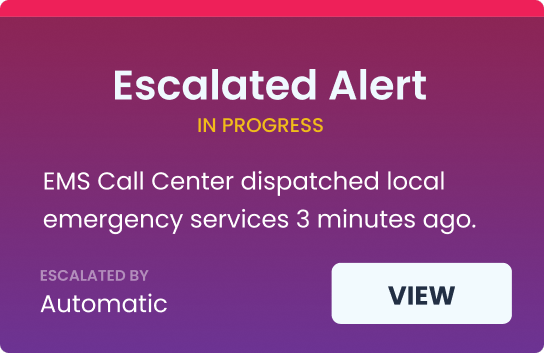
A potential fall has been detected. Loved ones in the Care Circle are alerted instantly, and 24/7 emergency services are just a tap away.
NOMO ESSENTIAL+ SUBSCRIPTION
 Automatic fall detection
 24/7 emergency services
 Alerts and notifications
 Proactive real‑life insights
 Care Circle connection
 Affordable subscription
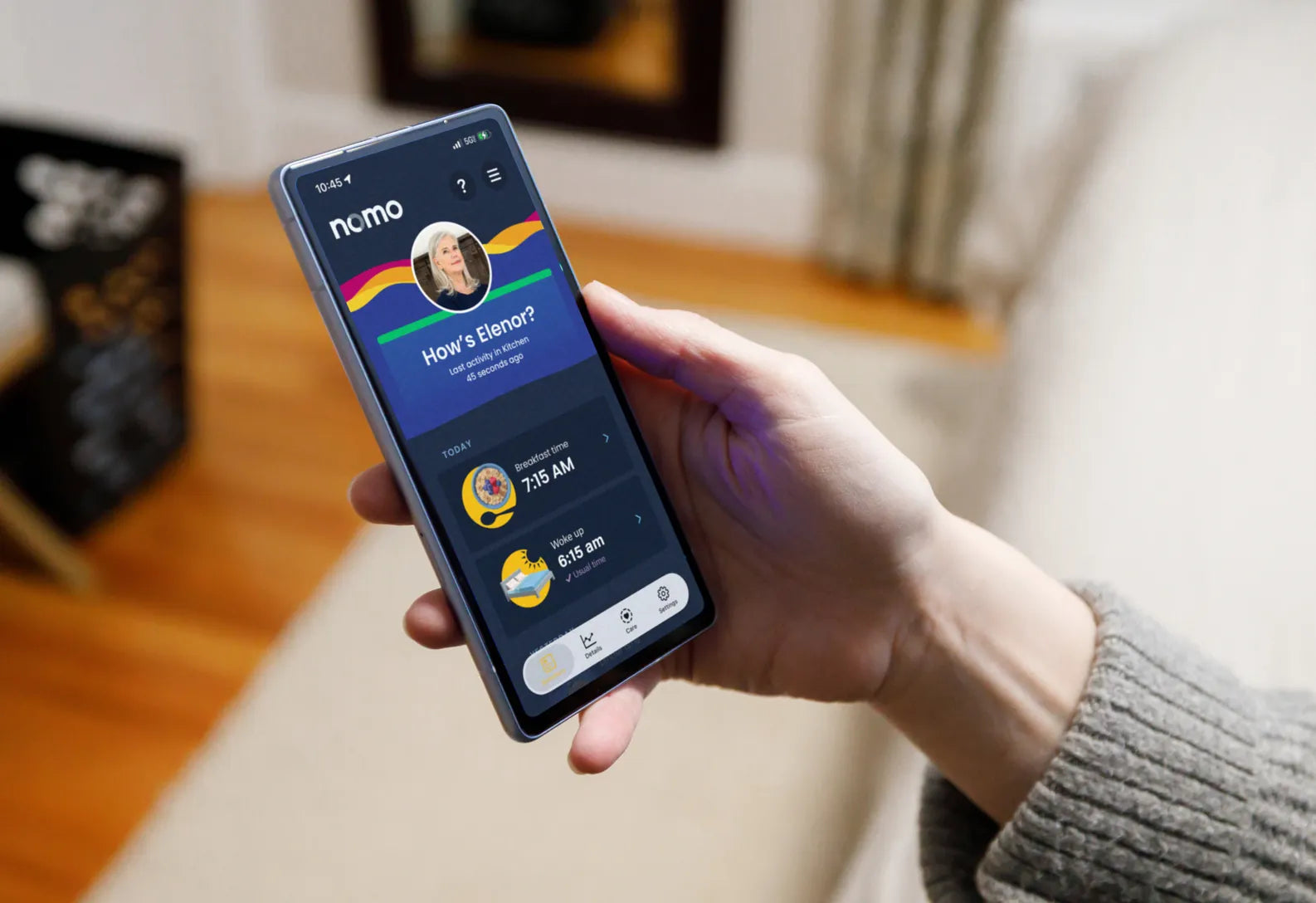
EVERYDAY INSIGHTS
 Worried about falls?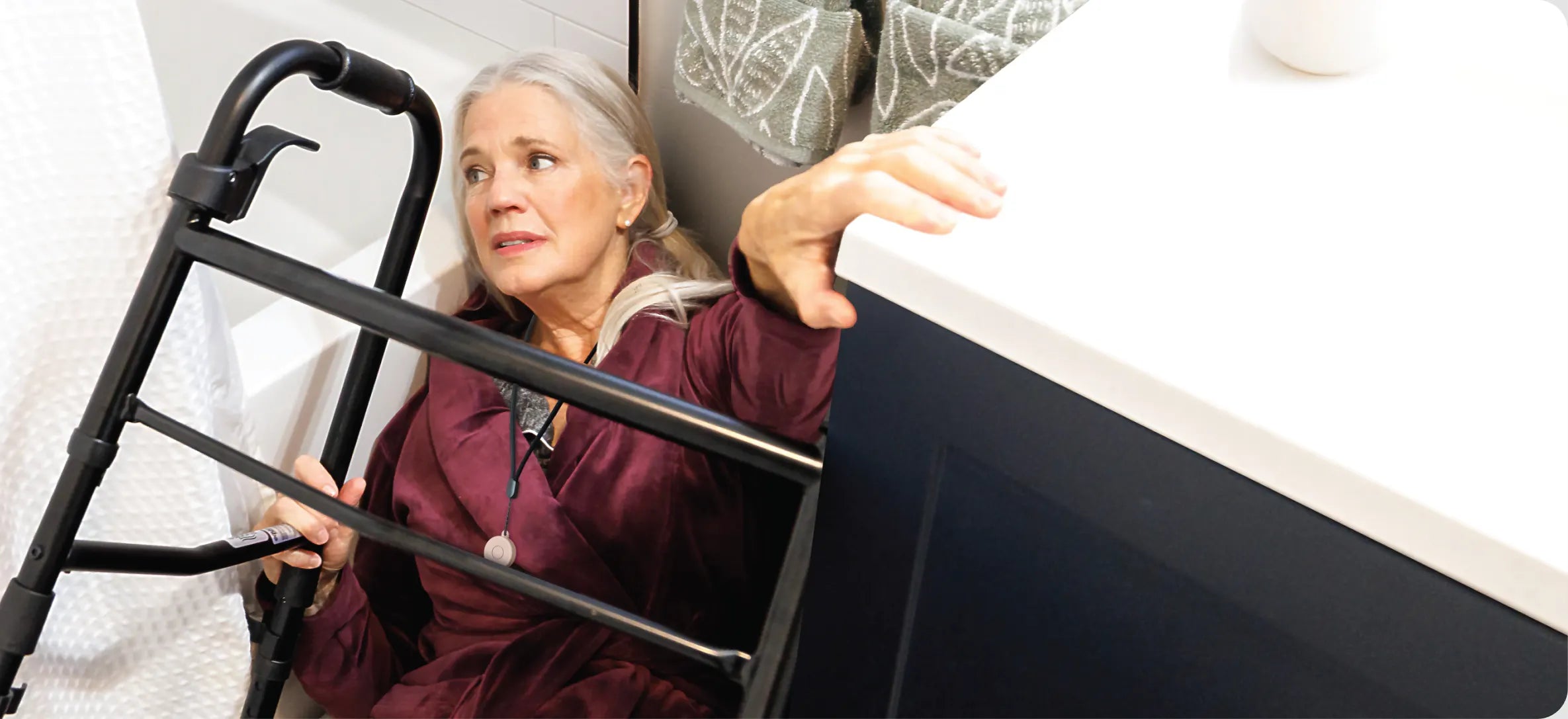
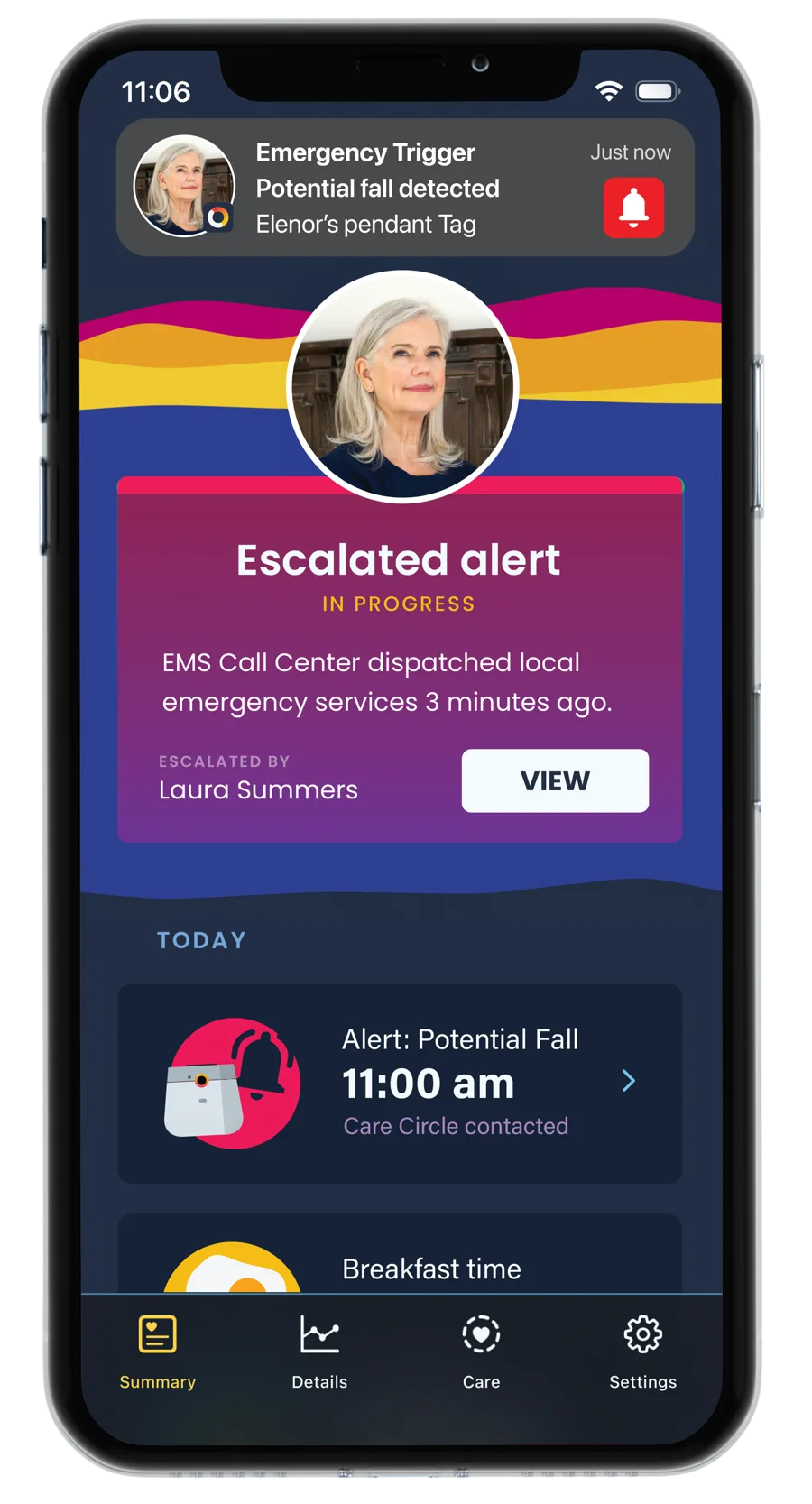
When a fall, panic button press, or prolonged lack of movement is detected, Nomo instantly alerts the Care Circle by call, text, and push notification. If escalated, 24/7 emergency services can be dispatched to your loved one’s home.
Place panic buttons in high-risk areas like bathrooms, stairways, and bedside for added protection and faster response.
Fall detection
When a fall, panic button press, or prolonged lack of movement is detected, Nomo instantly alerts the Care Circle by call, text, and push notification. If escalated, 24/7 emergency services can be dispatched to your loved one’s home.
Place panic buttons in high-risk areas like bathrooms, stairways, and bedside for added protection and faster response.
 Has their sleep changed?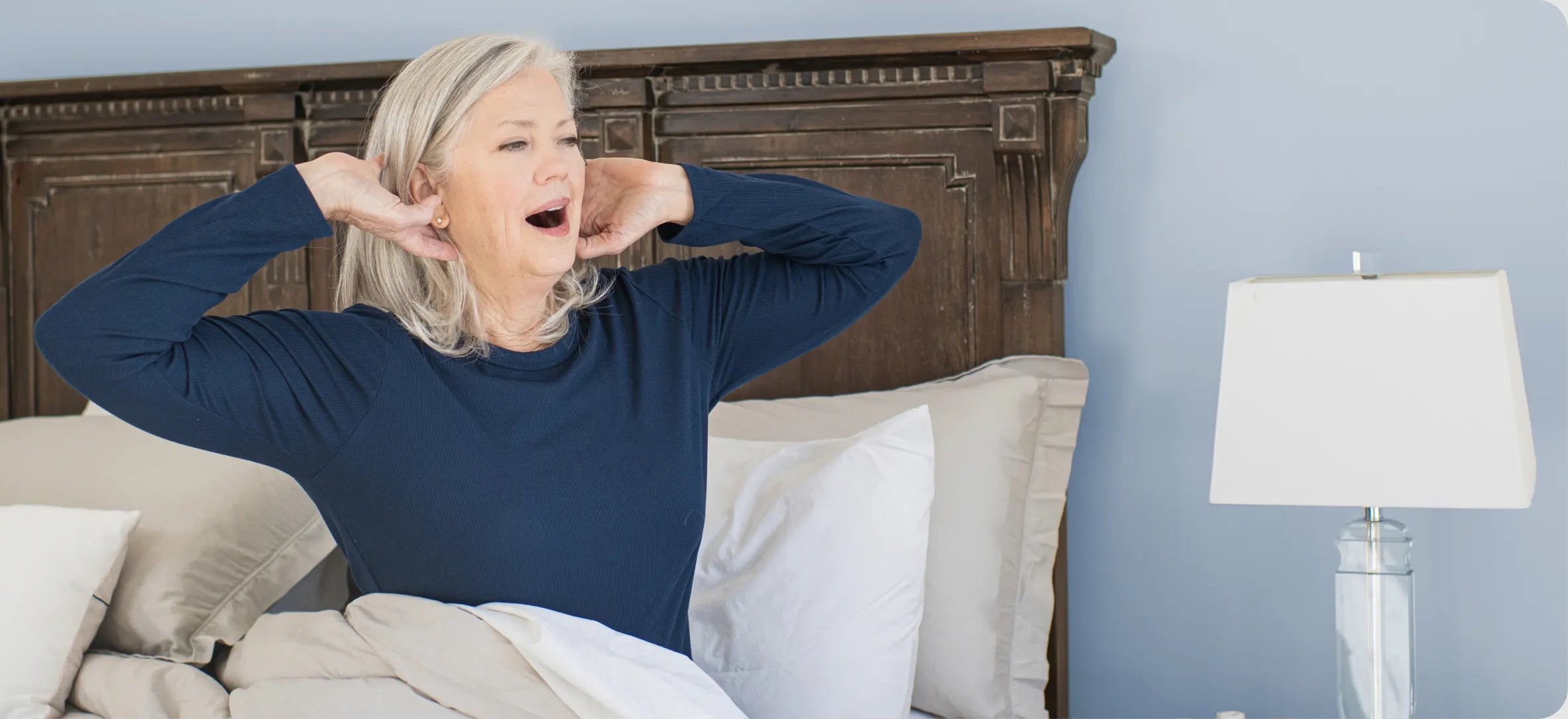
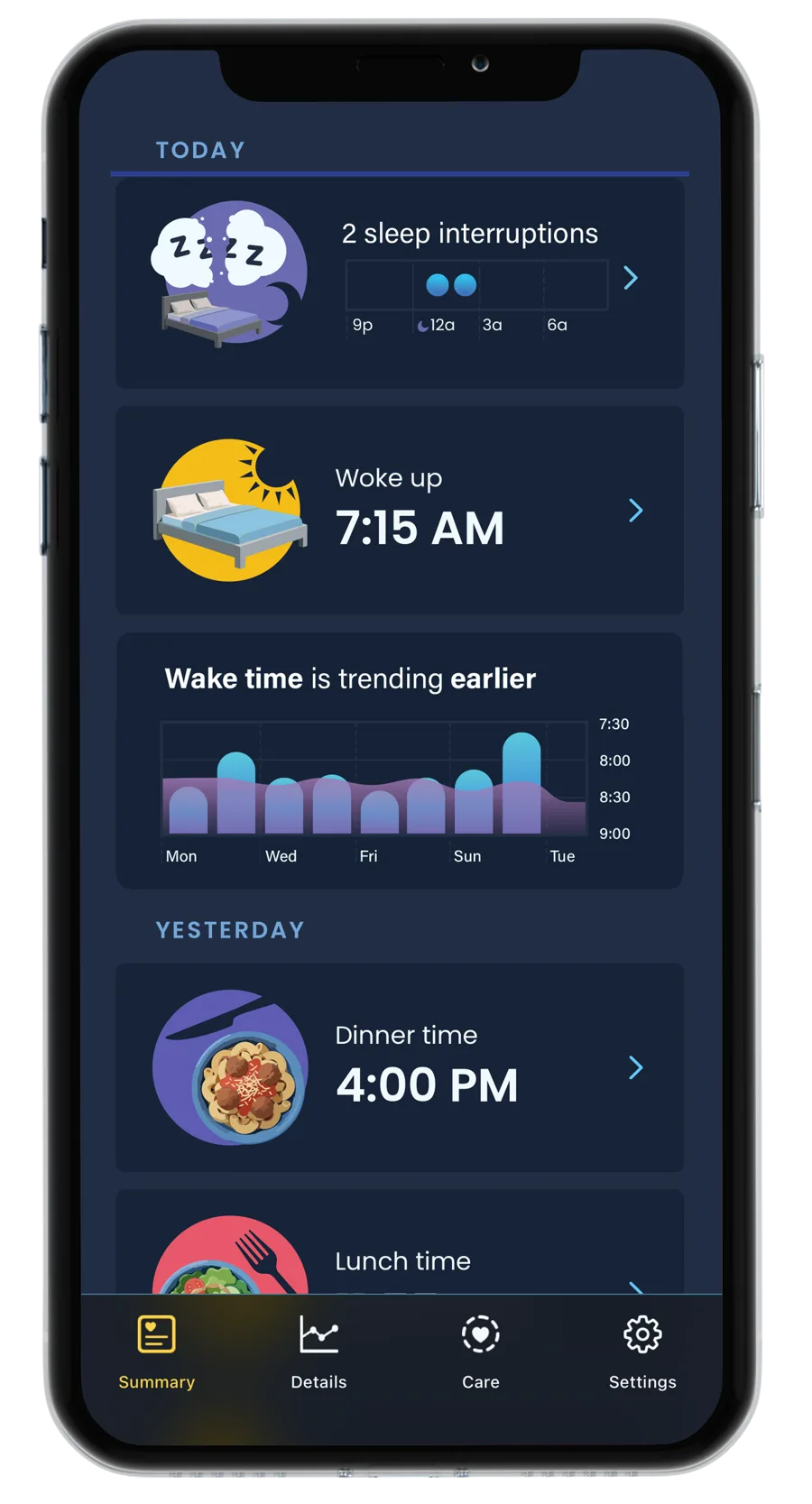
Nomo Smart Care monitors nighttime movement to help you understand sleep patterns and identify changes, from frequent wake-ups and bathroom trips to unusual restlessness or longer time in bed.
Gain insights into sleep habits and changes over time, helping you stay informed and connected.
Has their sleep changed?
Nomo Smart Care monitors nighttime movement to help you understand sleep patterns and identify changes, from frequent wake-ups and bathroom trips to unusual restlessness or longer time in bed.
Gain insights into sleep habits and changes over time, helping you stay informed and connected.
 Did they take their medication?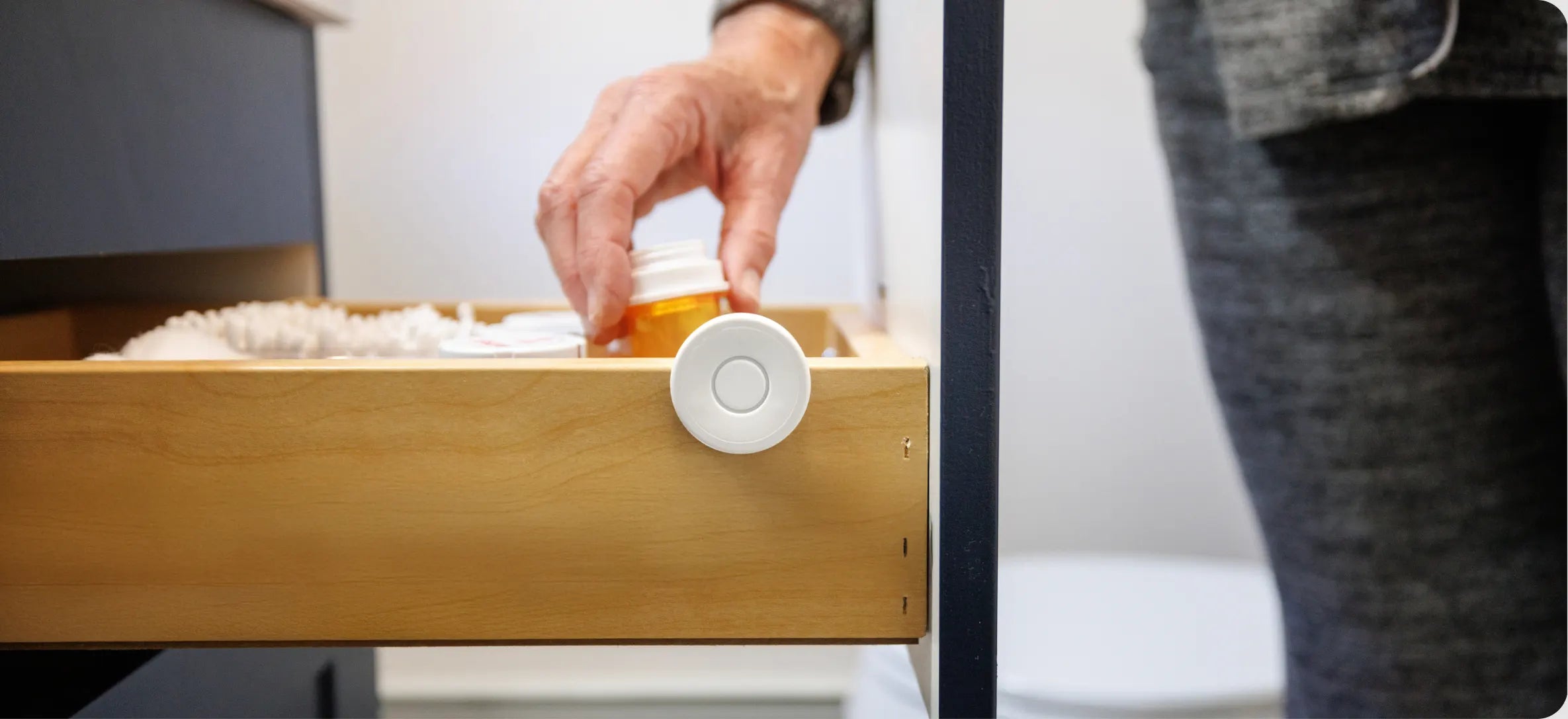
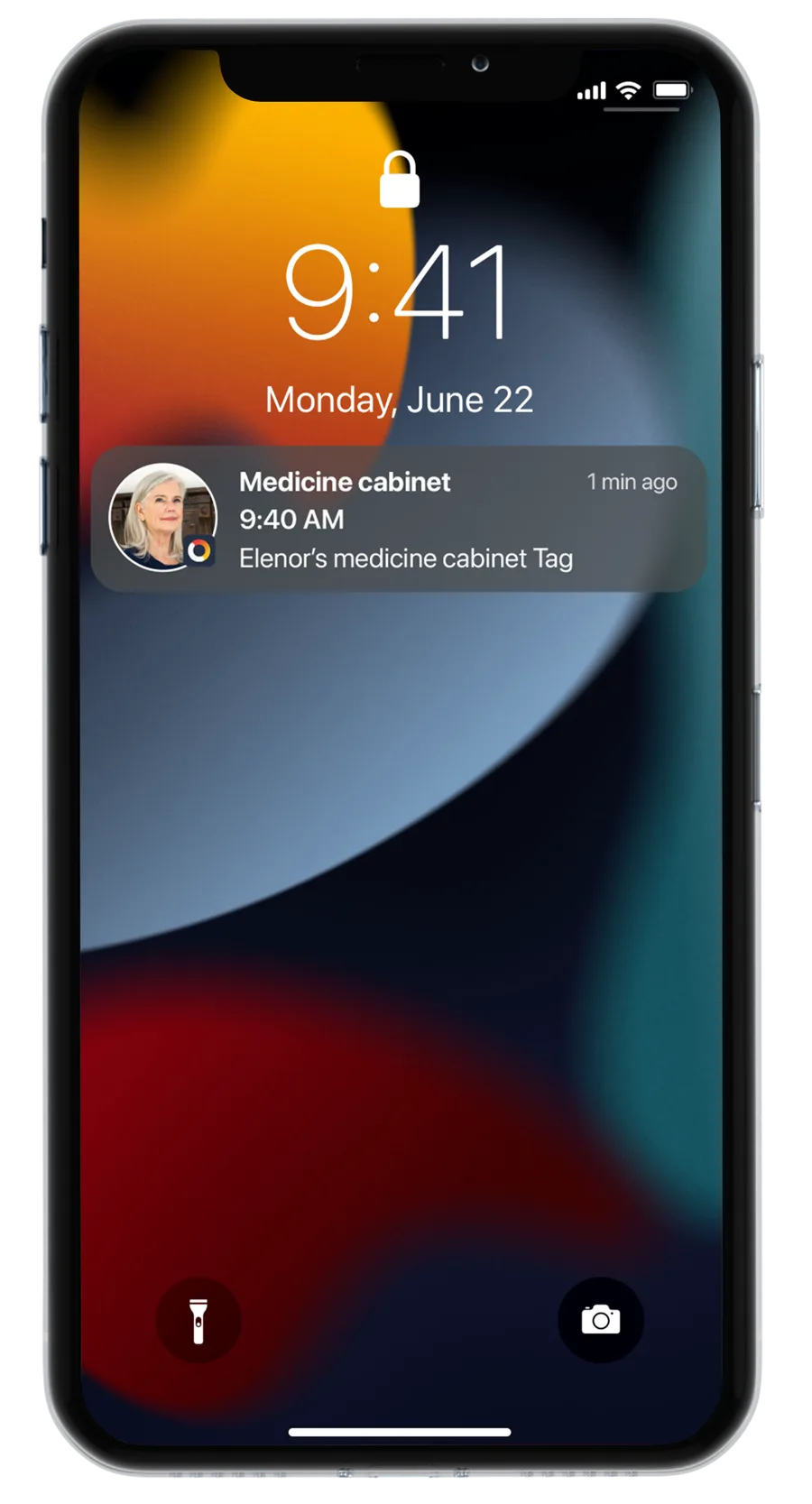
Nomo Smart Care tracks medication routines by recognizing daily habits and detecting when the medicine cabinet is accessed.
Nomo can identify changes that may indicate a missed dose or disrupted routine. When something seems unusual, Nomo sends an alert so you can check in and provide support when it matters most.
Did they take their medication?
Nomo Smart Care tracks medication routines by recognizing daily habits and detecting when the medicine cabinet is accessed.
Nomo can identify changes that may indicate a missed dose or disrupted routine. When something seems unusual, Nomo sends an alert so you can check in and provide support when it matters most.
 Wondering if they’re eating?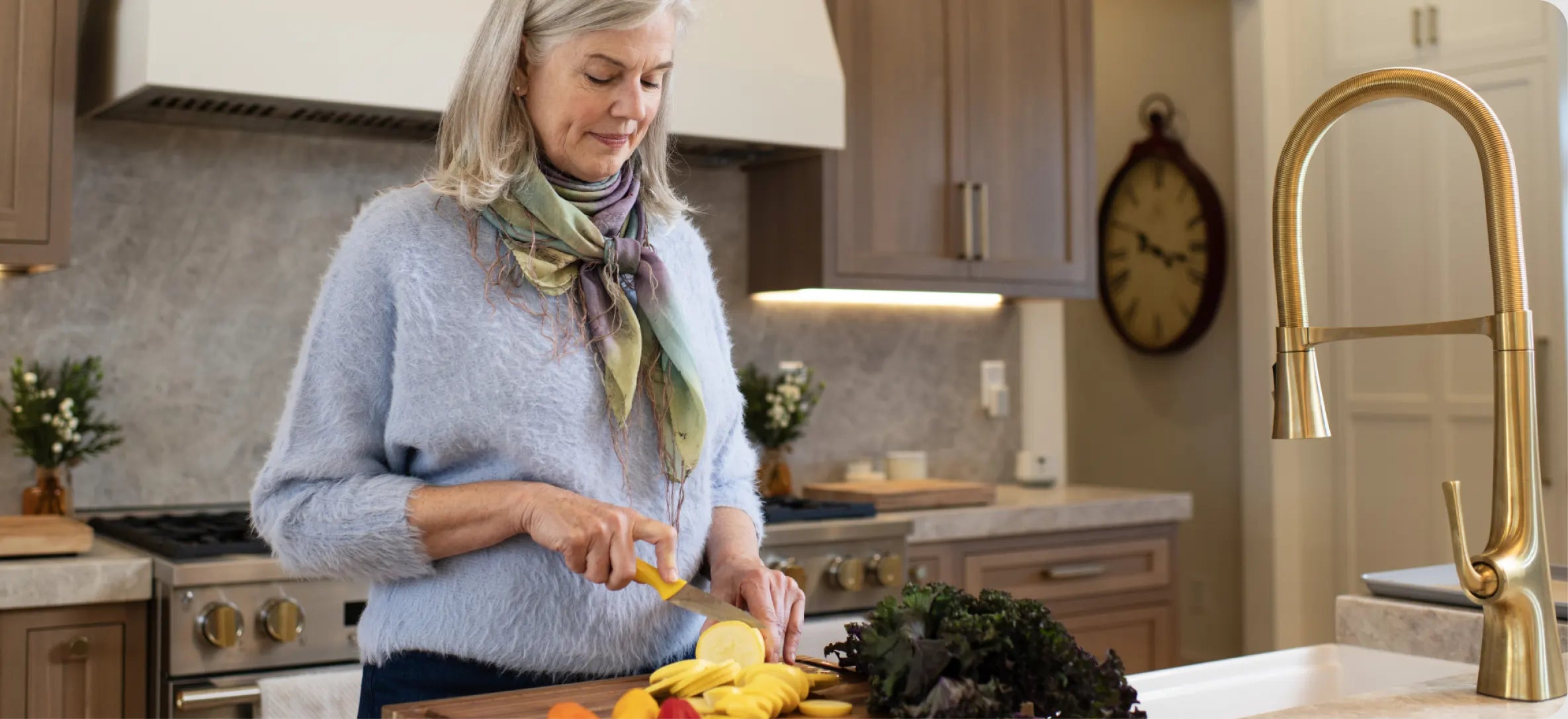
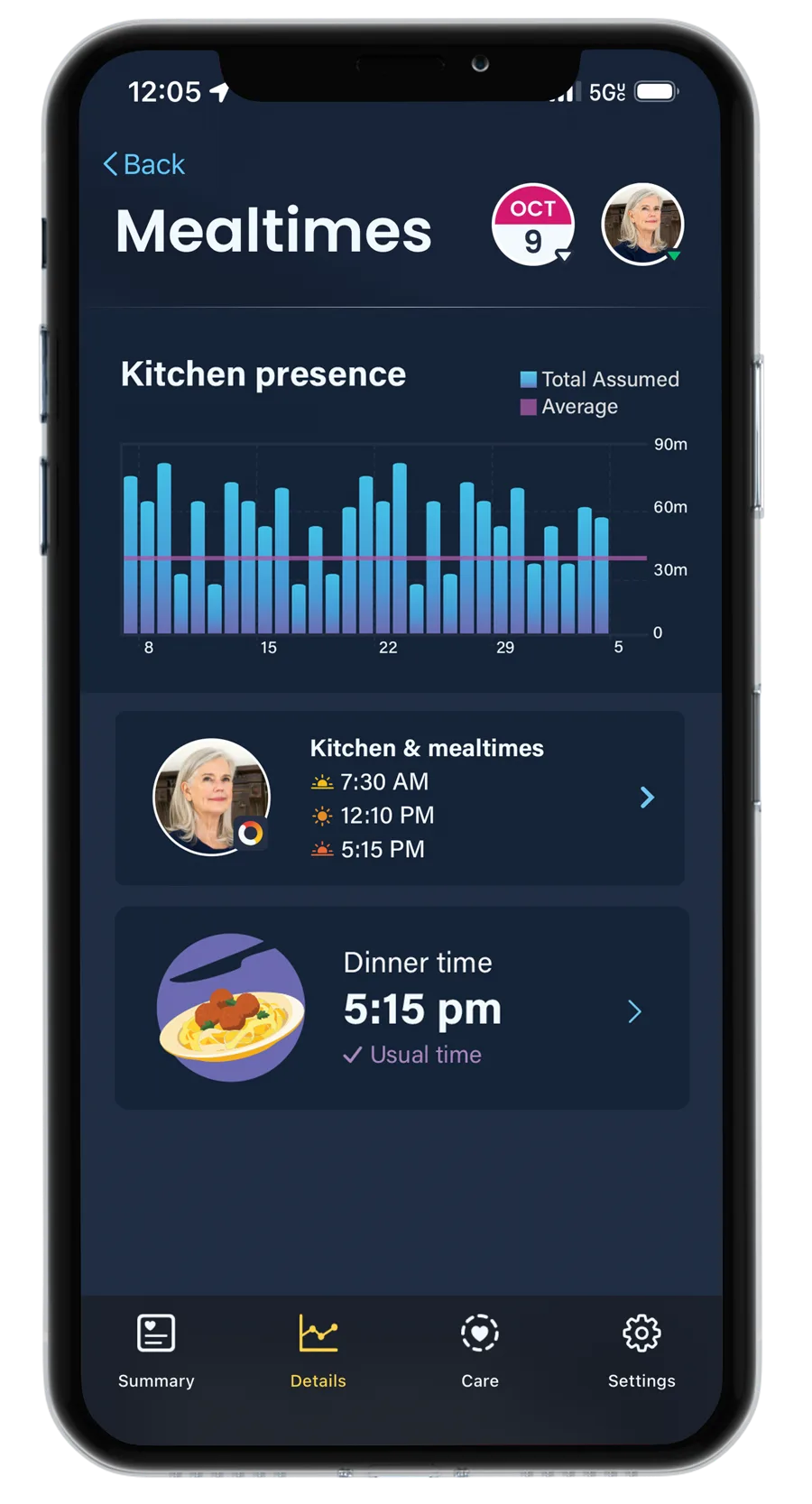
The Nomo Smart Care system monitors activity around typical mealtime areas, helping you confirm that meals are happening regularly.
With a simple tag on the fridge or oven, it can detect if a meal was made, or if a mealtime was missed or delayed, and send an alert so you can check in before it becomes a concern.
Wondering if they’re eating?
The Nomo Smart Care system monitors activity around typical mealtime areas, helping you confirm that meals are happening regularly.
With a simple tag on the fridge or oven, it can detect if a meal was made, or if a mealtime was missed or delayed, and send an alert so you can check in before it becomes a concern.
 How are their vitals?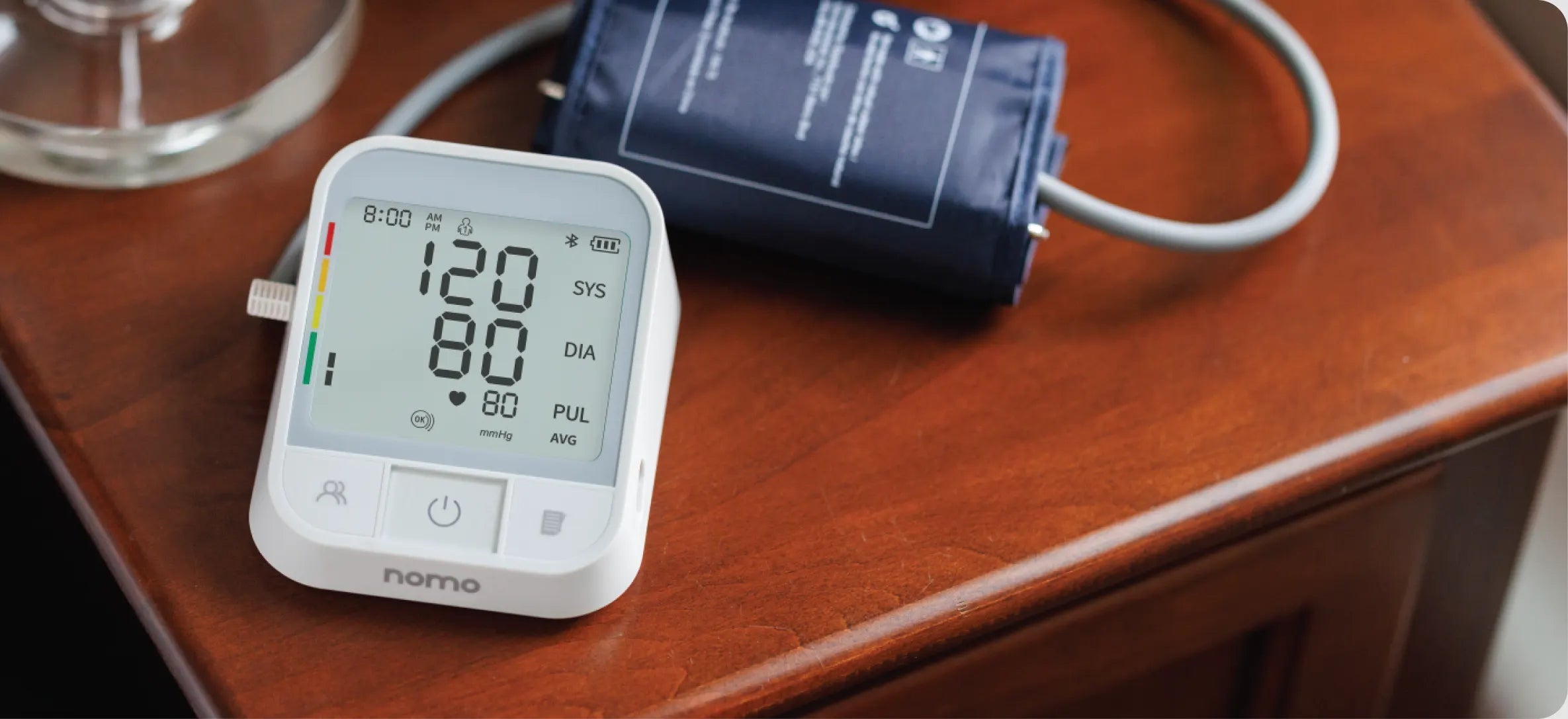
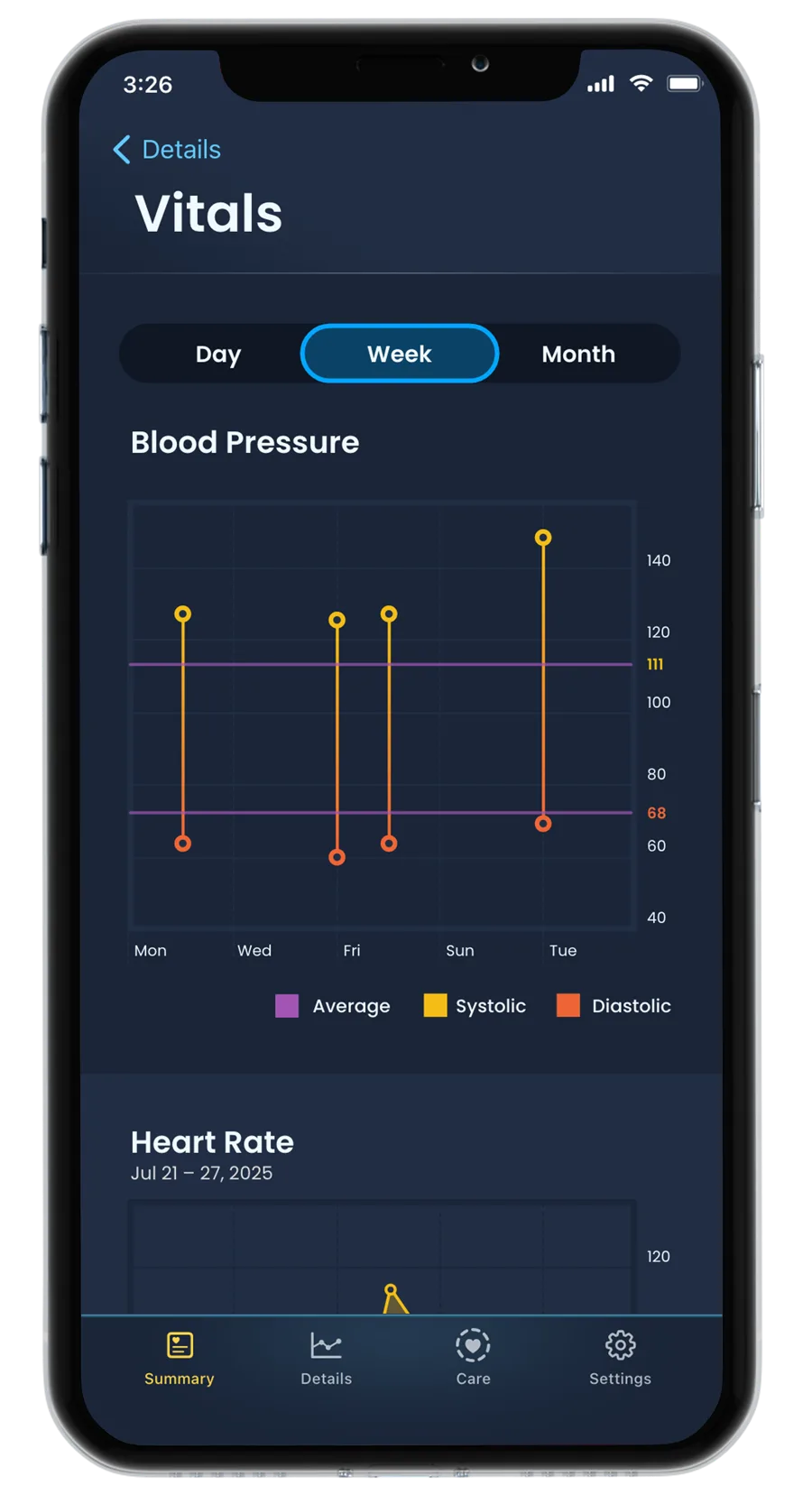
The Nomo Smart Care system pairs with smart devices like our blood pressure monitor and non-contact thermometer to give you a more complete picture of your loved one’s daily health.
Real-time vitals and routine insights are centralized in one simple app, making it easy to monitor wellness and spot changes early. Proactive health monitoring, all in one place.
How are their vitals?
The Nomo Smart Care system pairs with smart devices like our blood pressure monitor and non-contact thermometer to give you a more complete picture of your loved one’s daily health.
Real-time vitals and routine insights are centralized in one simple app, making it easy to monitor wellness and spot changes early. Proactive health monitoring, all in one place.
 How do we stay connected?
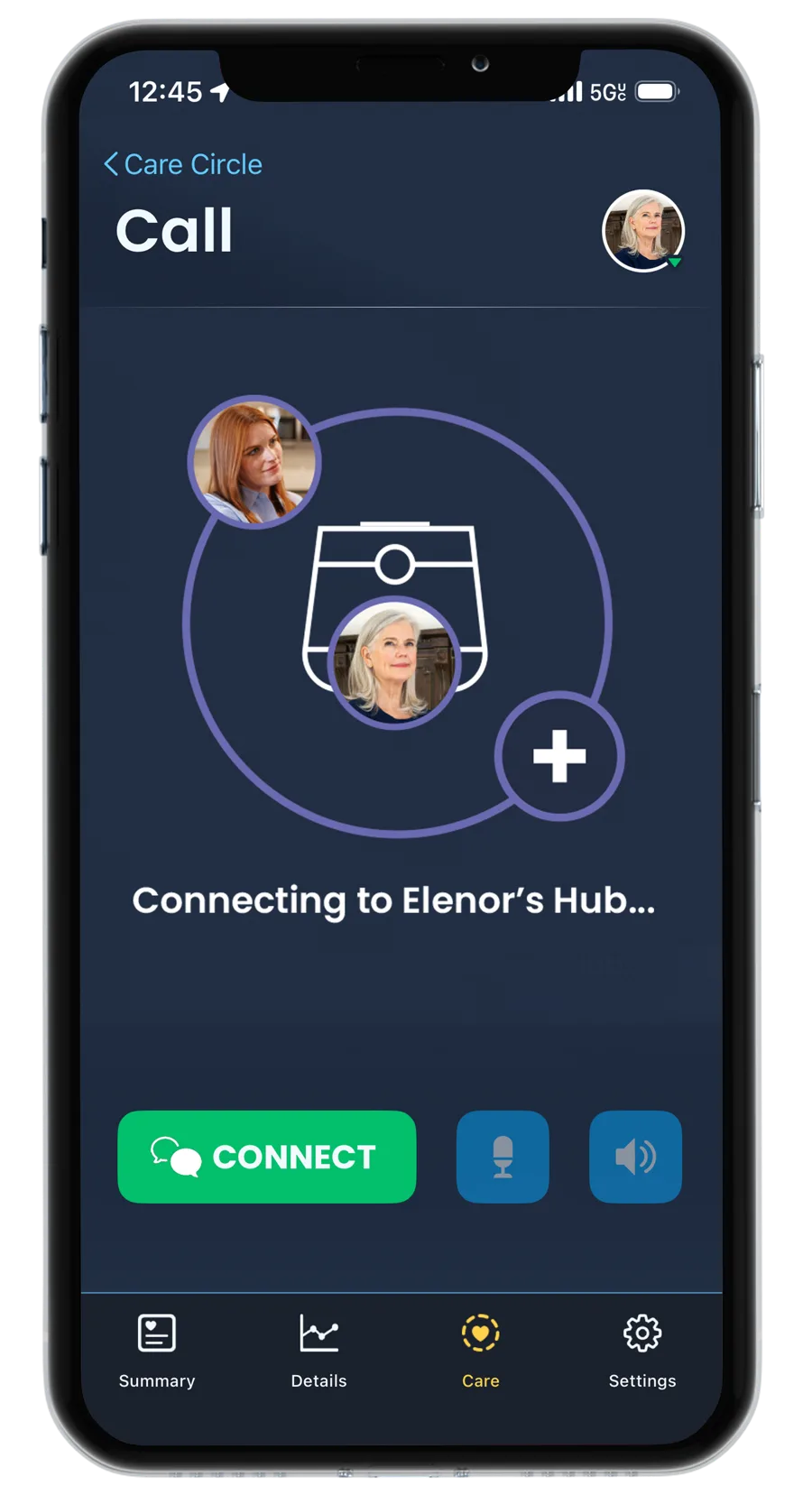
Keep everyone connected and informed by easily adding trusted family members, friends, or professionals to your Care Circle.
Members can view daily activity and insights, receive real-time alerts and emergency calls, send voice messages and notes, and stay connected through two-way communication.
How do we stay connected?
Keep everyone connected and informed by easily adding trusted family members, friends, or professionals to your Care Circle.
Members can view daily activity and insights, receive real-time alerts and emergency calls, send voice messages and notes, and stay connected through two-way communication.
WHAT’S INCLUDED

 Hub – 1x
The Hub is the heart of the Nomo system, connecting your home and providing 2-way communication when it matters most.

 Satellites – 2x
Satellites extend Nomo’s coverage, detecting motion in every room with a built-in motion-activated night light for added safety.

 Tags – 4x
Tags sense movement on doors and drawers, with a built-in panic button for added safety in areas where a fall may occur.

 Fall detection pendant
Tags can be configured as an automatic fall detection pendant with a built-in panic button
See what Nomo can tell you about everyday life at home. If it doesn't give your family more peace of mind, send it back within 30 days.

The Nomo Smart Care App
60-dayFREE APP TRIAL


