

Set up your Essential Care Kit
5 steps. About 20 minutes.
The Essential Care Kit contains the following:
-
 Hub
1x
-
 Satellites
2x
-
 Tags
4x
-
 Lanyard
1x


Step 1: How to find and install the Nomo Smart Care app
Step 2: How to set up your account
This section sets up YOUR Nomo Smart Care account with YOUR contact information. Your LOVED ONE'S information is entered later, in step 3.
Open the Nomo Smart Care app.

On the Welcome Screen, tap "Begin."
Agree to TCPA consent.
Enter your mobile phone number.

Enter your verification code, tap "Register."

Enter your name and tap "Register."

Step 3: Creating and customizing your loved one's profile
Please have your loved one's contact information (phone number and address) to complete this step.
On the "Get Started" screen, tap the "Install Care Kit" button.

On the "Install Care Kit" screen, select the Nomo Essential Care Kit and tap "Continue."

Follow the on-screen instructions to complete EMS location and contact information.

Select your concerns that Nomo will help monitor and tap "Continue."

Step 4: How to add your devices
Please have your loved one's Wi-Fi information (network name and password) to complete this step.
Once you have registered and your loved one's profile is created, the app will guide you into the Device Setup process.

Set up your Hub:

Review the information and tips on the Hub setup screens. Tap "Continue" when you're ready to proceed to the next step. Follow the in-app instructions. Once your Hub is on-line, you can set up the rest of the devices in the Essential Care Kit.
Set up your Satellites:

Review the information and tips on the Satellite setup screens. Tap "Continue" when you're ready to proceed to the next step. Follow the in-app instructions.
Set up your Tags:

Review the information and tips on the Tag setup screens. Tap "Continue" when you're ready to proceed to the next step. Follow the in-app instructions.
Step 5: Adding to your Care Circle
How to add new Caregivers:

In the Nomo app dashboard, tap on the "Care" tab at the bottom bar (represented with a heart icon).
Tap the "Caregivers" button and tap the "Add & Invite" button.

Enter the new Caregiver's name and phone number, then tap "Add to Care Circle."

How to accept an invitation as a Caregiver in an existing Nomo Smart Care Circle:
Tap the invite link in the text message you've been sent from Nomo Smart Care.
Tap "Begin" on the Welcome page. To set up your profile, enter the invite code you received.
Follow the in-app instructions to set up a Caregiver profile.
Confirm the new Caregiver has been added:

Tap the Care tab at the bottom bar and tap the "Caregivers" button. Their name should be on the list.
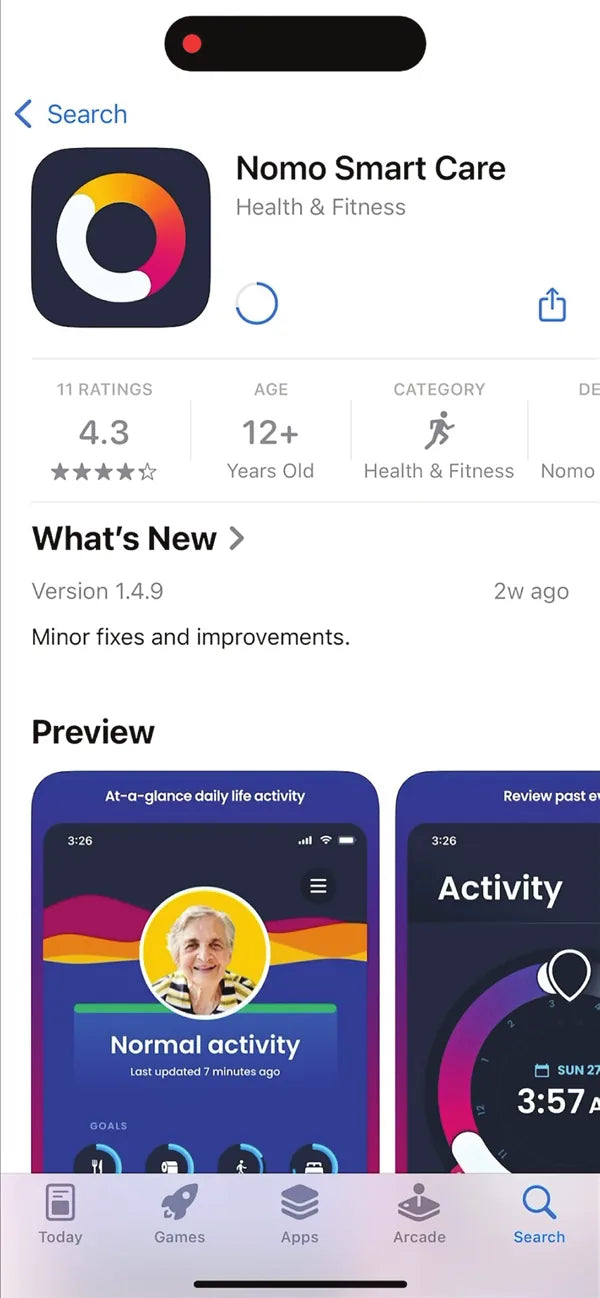
What your phone shows at this step

You're set up.
Nomo is now watching over the home, camera-free. If anything in the setup didn't go as expected, call us.
9am to 9pm, seven days a week